Popular verses
Start with popular Bible verses if you want quick meaning, context, and prayer.
Use this page when you want the practical basics before installing: what you get in the reader, what stays on your phone, whether an account is required, and how Elara works.
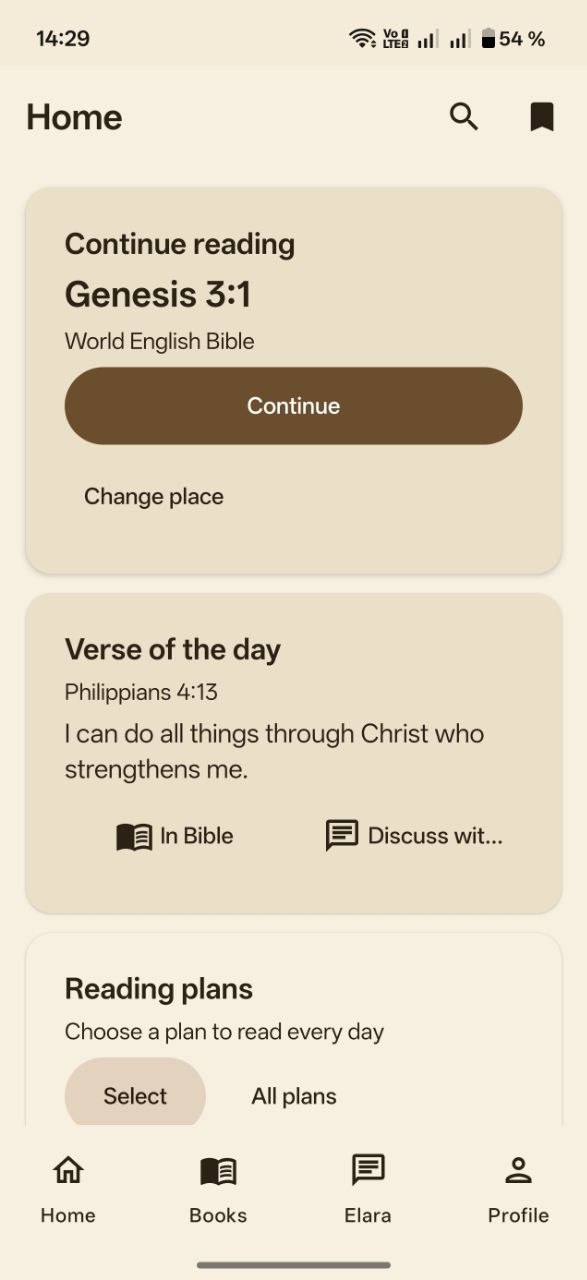
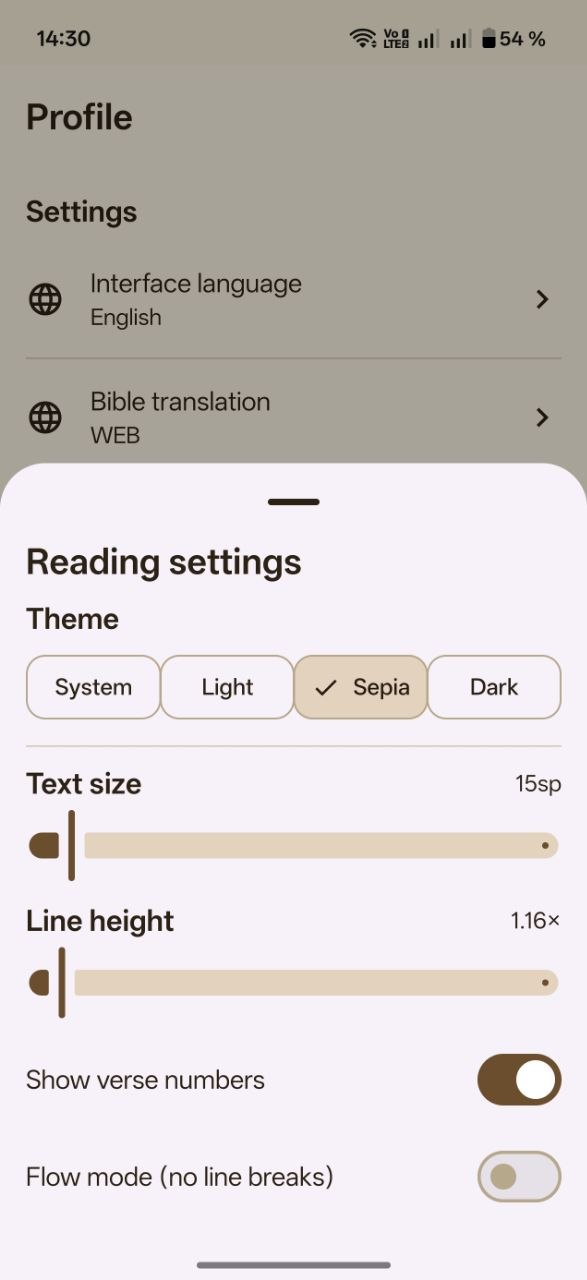
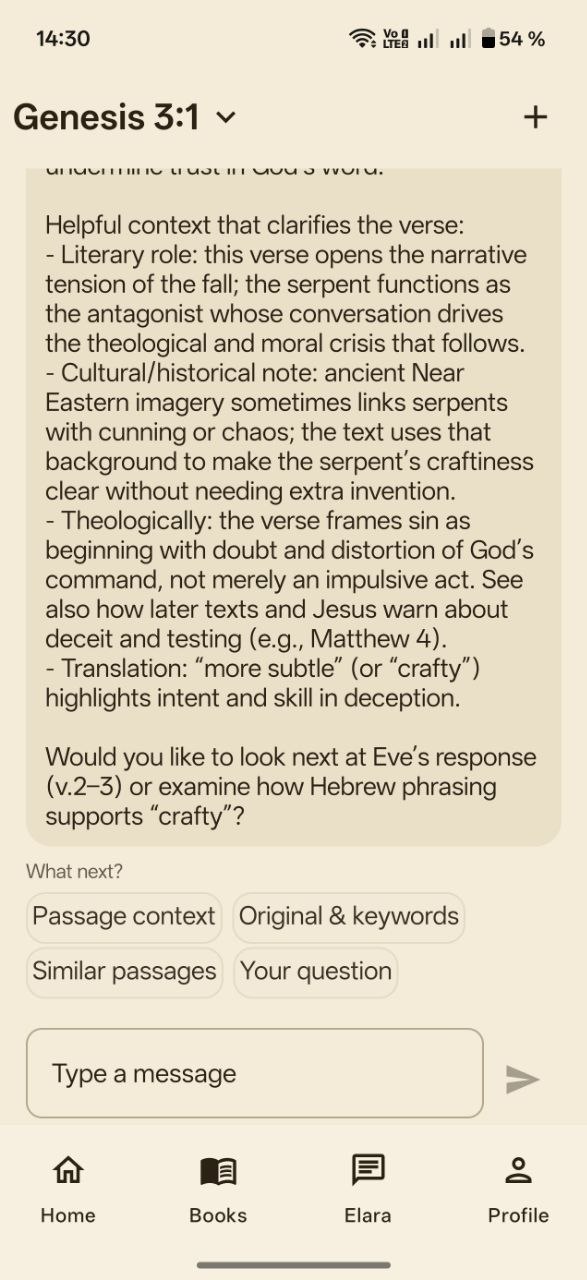
Start with popular Bible verses if you want quick meaning, context, and prayer.
Open daily reading with plans if your main goal is consistency.
Use Bible app without ads if your main concern is a calm reading surface.
No. The current version does not require name, phone, or e-mail registration.
Only the minimum needed for features. Full details are provided in the Privacy Policy.
Core reading is local. Some network-based features require internet access.
Yes. Remote chat mode can be disabled in app settings at any time.
Use Android app settings to clear app data, or uninstall the app.
See current version information on the home page and update from official distribution channels.
The latest version is always shown on the home page in the "Download the app" block.
Release publication channel: @bible_with_pastor.