Good fit
You want local reading and progress on one phone without creating a profile.
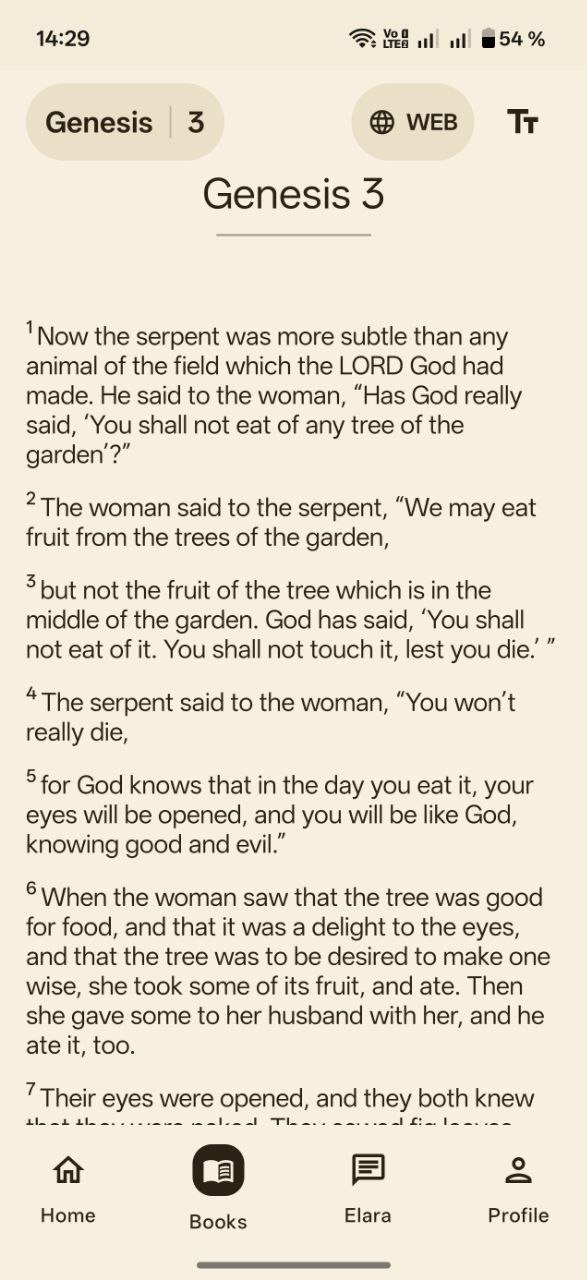
This page is about no mandatory account and local progress on one phone. Install from Google Play, open a book immediately — no registration gate. For unstable signal and travel, see reading without internet.

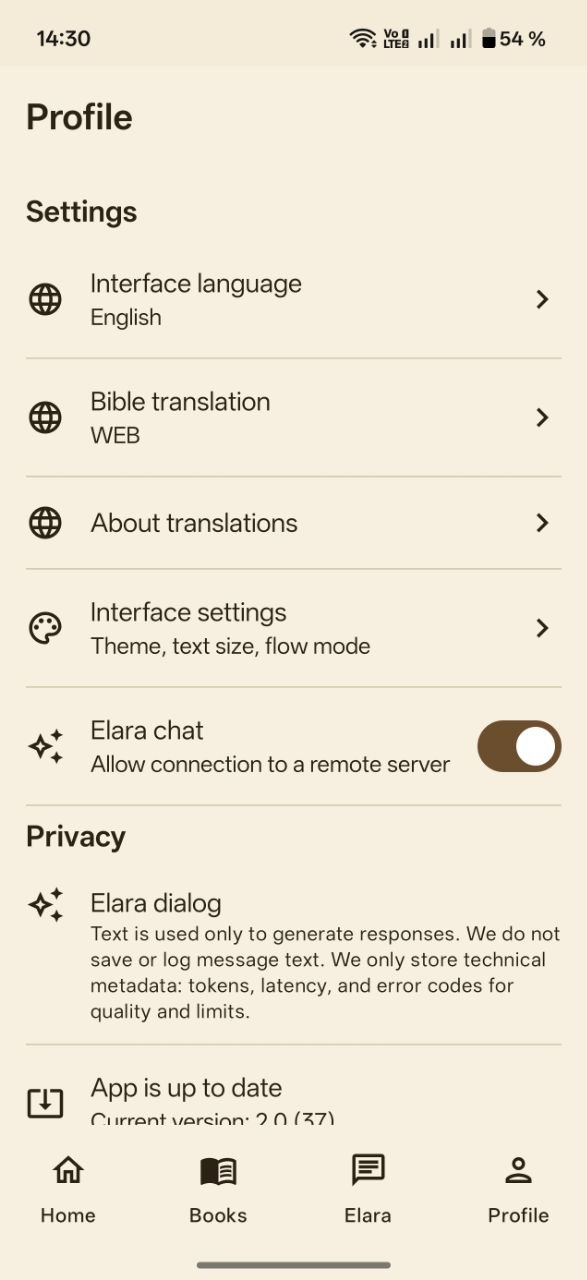
After install you go straight to Scripture — no registration gate before the text. Profile settings stay optional.
You want local reading and progress on one phone without creating a profile.
You require cloud sync of notes across many devices via a mandatory account.
Open the book — no forms, no e-mail verification loop.
Reading position and plan steps persist on the phone.
Advertising SDKs are not used in the current version.
Explanations for harder verses may use network features; plain reading remains local-first.
Not required in the current version.
Local state does not auto-migrate — you rebuild progress on the new device.
Use daily reading with plans for rhythm; core text stays available locally when coverage drops.